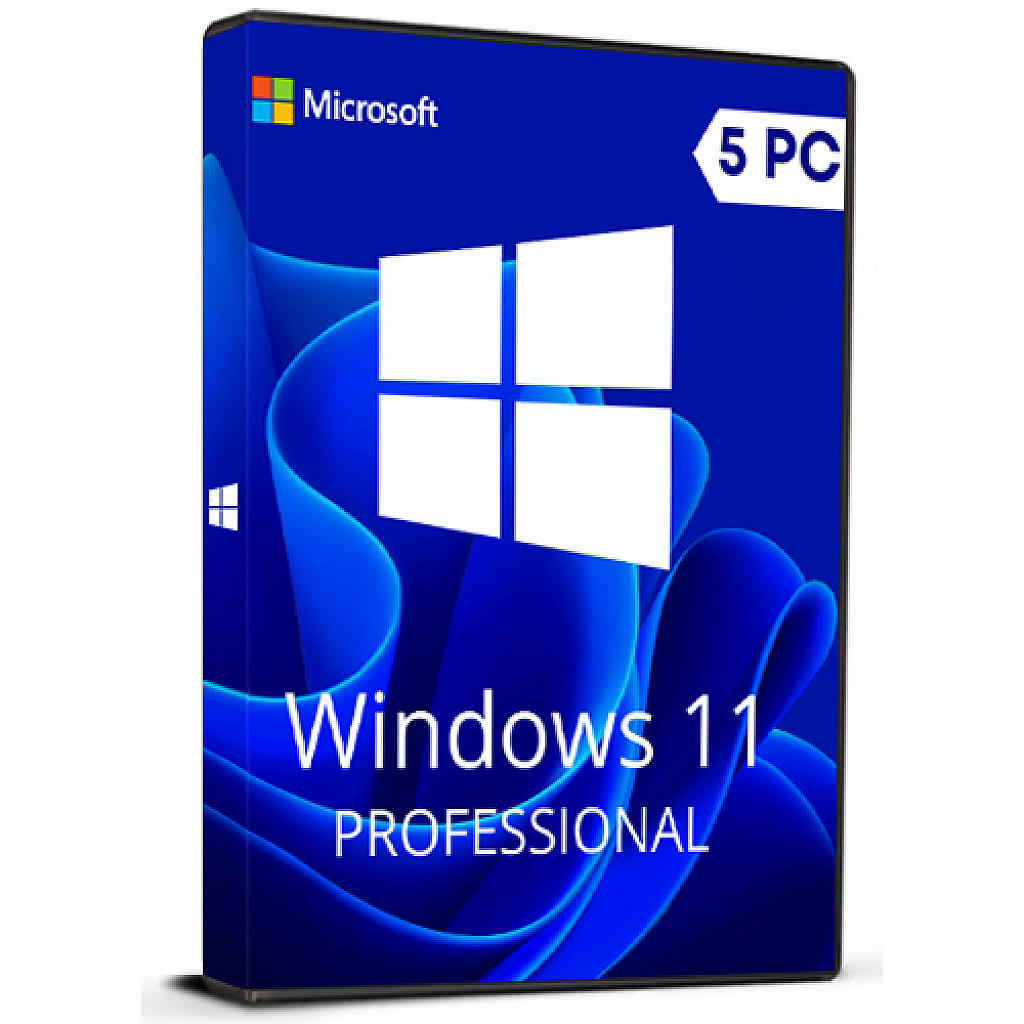
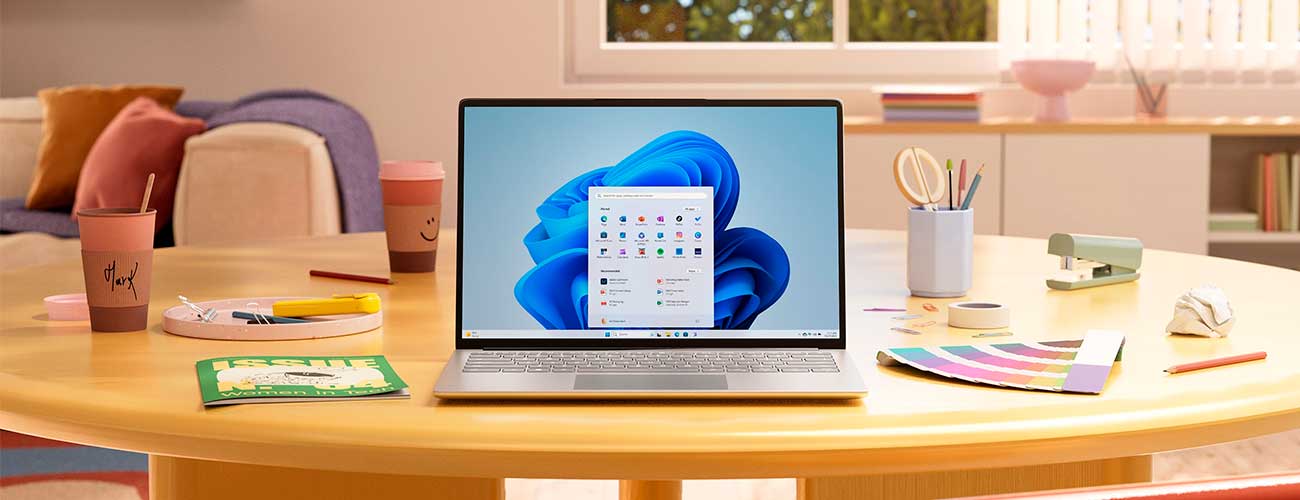
Windows 11 provides a modern workspace where you can creatively pursue your passions in a new environment. Renewed Start menu, redesigned taskbar, optimized system tray, improved Action Center, new Settings panel, widgets, virtual desktops – all this makes Windows 11 easy and fun to use. Windows 11 Pro has all the tools available in the Home version and additional ones, useful in large companies and used by professionals.
Windows 11 Pro retail 5PC - single product key that can be used to activate Windows 11 on up to 5 different computers.
Download link: https://www.microsoft.com/software-download/windows11
In order to install the software on your PC,
please follow the instructions here.
In case of an issue with activating your
Windows key, please use one of the methods:
Method 1:
1. Go to "Settings''
2 Find "Activation"
3. Select "Activate" or "Change
Product Key"
4. Insert the purchased key
5. Windows 11 Home is operational
Method 2:
1. Click on ”Start” icon , then open
”Settings”, choose ”Update & security”, and then select ”Activation”.
2. Choose the ”Activate by phone”
option.
3. Click the drop-down menu, select your country, and
then click ”Next”.
4. Call the Toll free number and follow instructions to generate confirmation ID to activate your Windows.
Method 3:
1. Press and hold "Windows" key and
press "R" on your keyboard.
2. Type "SLUI 4" in the window that pops up and press
enter.
3. Click the drop-down menu, select your country and
then click Next.
4. Call the Toll free number and
follow instructions to generate confirmation ID to activate
your Windows.
More information regarding phone activation can be found here.
 PayPal